 SPMP
SPMP
SPMP APK — Free Music Streaming for Android
Download the latest SPMP APK and enjoy ad-free music, offline playback, YouTube Music integration, and a beautiful minimal interface.
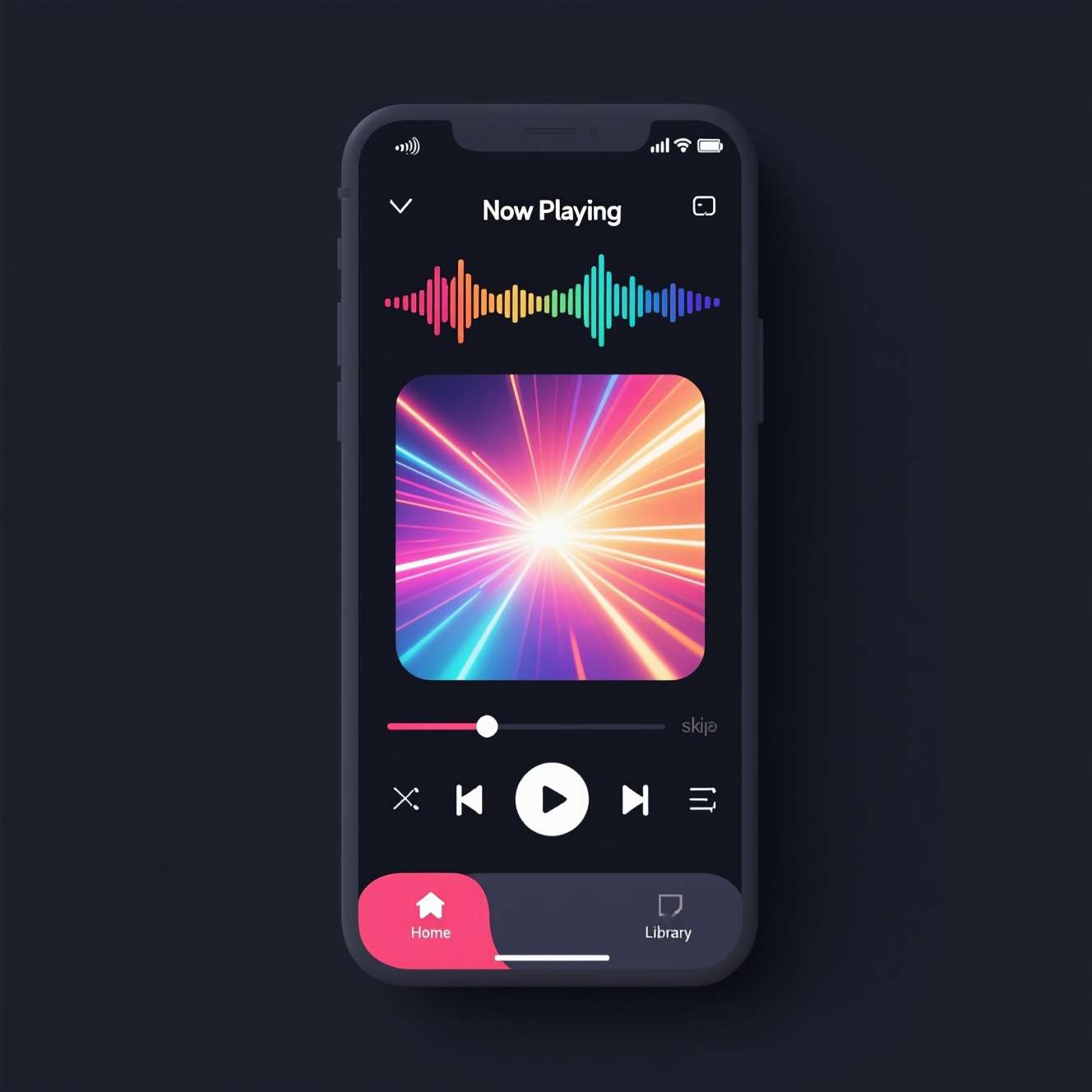
Why Choose SPMP?
A premium YouTube Music client that puts you in control. No ads, no subscription, just music.
Privacy & Security
End-to-end encryption, transparent policies, and full user control over data. Open-source and community audited.
YouTube Music Library
Access millions of songs across genres and languages through seamless YouTube Music integration.
Offline Listening
Download your favorite tracks and playlists for offline playback. No internet connection required.
Minimalist Interface
Clean, intuitive design that puts your music first. Fully customizable with color themes and layouts.
Premium Audio
High-quality audio streaming with Dolby Atmos support and audio optimization for the best listening experience.
Metadata Editing
Edit song, artist, and playlist titles. Batch-select multiple songs for actions on any screen. Full control over your music library.
Pin & Queue Management
Pin any song, album, or artist to the top. Insert songs at any position in the queue. Advanced playlist management.
Time-Synced Lyrics
Display time-synchronized lyrics from KuGou and PetitLyrics. Includes furigana readings above Japanese kanji. Toggleable lyrics bar.
Discord Rich Presence
Show what you're listening to on Discord. Customizable rich presence integration for sharing your music with friends.
Awesome Premium Features
Everything you need from a music app, nothing you don't.
Download SPMP APK
Get the latest version of SPMP APK for free. Also available for Windows. All versions are verified and safe.
What is SPMP APK?
SPMP APK (Specialized Music Player) is a free, open-source YouTube Music client for Android and desktop. Developed by sayaka-sh (formerly toasterofbread), SPMP is built with Compose Multiplatform and focuses on customization of colours and song metadata. With 1.4k+ GitHub stars and 55 forks, it's one of the most popular third-party YouTube Music clients.
Important Update: SPMP has been succeeded by Kanon — a complete rewrite by the same developer. While SPMP v0.4.3 remains available and functional, the project is no longer actively maintained. For the latest experience, check out Kanon on GitLab. SPMP is also available on F-Droid.
With SPMP, you can stream your favorite music online, download tracks for offline playback, create and manage playlists, edit song metadata, and enjoy an ad-free listening experience — all without paying a single penny.
The app features a clean, minimalist interface that is highly customizable. You can change color themes, adjust audio settings, and configure the layout to match your preferences. It also supports Android Auto, background playback, and Dolby Atmos for an immersive audio experience.
Benefits of Using SPMP APK
- Free Music: Unlimited music streaming without any subscription fees or charges.
- Convenience: Access your favorite music anytime, anywhere, with or without an internet connection.
- Discovery: Discover new music, artists, and genres through smart recommendations.
- Personalization: Create and manage playlists tailored to your unique tastes.
- No Ads: Enjoy ad-free music streaming for an uninterrupted listening experience.
Pros
- Simple and intuitive interface
- High-quality audio streaming
- Wide variety of music genres
- Unlimited playlists
- Regular updates with new features
- YouTube Music integration
Cons
- Can be addictive due to endless features
- Learning curve for advanced features
- Some features may require a subscription
How to Download & Install SPMP APK
- Download the latest SPMP APK from the button above.
- Tap the downloaded APK file to begin installation.
- Enable "Unknown Sources" in Settings → Security if prompted.
- Tap "Install" and wait for the process to complete.
- Open SPMP and start listening to your favorite music.
System Requirements
- Operating System: Android 4.4 or later
- RAM: 2GB or more
- Storage: 100MB free space
- Stable internet connection for streaming
SPMP vs Alternatives
| Feature | SPMP | ViMusic | SimpMusic | YouTube Music |
|---|---|---|---|---|
| Open Source | Yes | Yes | Yes | No |
| Metadata Editing | Yes | No | No | No |
| Color Themes | Full | Material You | Basic | Dark/Light |
| Time-Synced Lyrics | Yes (KuGou) | No | Yes | Yes |
| Discord RPC | Yes | No | No | No |
| Offline Playback | Yes | Yes | Yes | Premium Only |
| Background Play | Yes | Yes | Yes | Premium Only |
| No Ads | Yes | Yes | Yes | Premium Only |
| Android Auto | Yes | No | No | Yes |
| F-Droid | Yes | Yes | Yes | No |
| Desktop (Win/Linux) | Yes | No | No | Web Only |
SPMP APK vs Official YouTube Music
Unlike the official YouTube Music app which requires a premium subscription for background playback, offline downloads, and ad-free listening, SPMP offers all these features for free. The app is fully open-source (GPL-3.0 licensed), meaning the code is transparent and community-audited for security. SPMP is built with Compose Multiplatform, running natively on Android, Windows, and Linux. With customizable metadata, per-song color theming, time-synced lyrics, and Discord integration, SPMP provides a more personalized music experience than any other client.
Download SPMP from GitHub Releases or F-Droid. Documentation available at spmp.toastbits.dev.
Note: This app is open-source and updated frequently. Subscribe to our notifications or bookmark this page to get the latest updates.